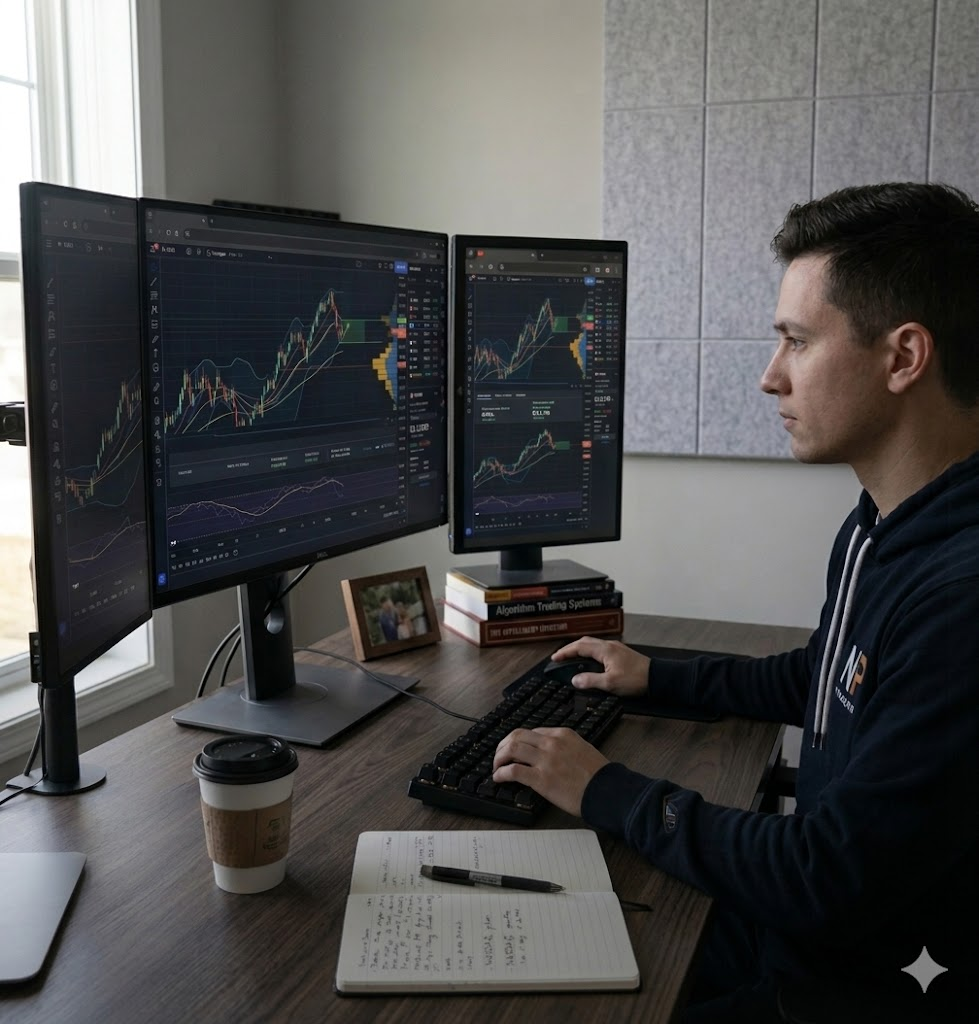
Why TradingView Is a Great Tool for Backtesting and Learning to Trade
Or: How to lose imaginary money in a thousand creative ways before risking your real paycheck.
The Premise: Practice Is Cheaper Than Therapy
Trading without practice is a great way to fund someone else's beach house. Most newcomers learn this the expensive way, after a few well-aimed market lessons relieve them of their savings. The smarter path is to develop and prove a strategy before putting real money on the line, and that's exactly the gap TradingView fills. The platform combines historical data, simulated execution, a coding language built specifically for traders, and a paper trading sandbox into a single browser tab, which is roughly twelve fewer tabs than the alternative.
Source: PineConnector, "Best Practices for Backtesting Strategies on TradingView" (2024); TradingView Help Center, "What are strategies, backtesting and forward testing?"
What makes TradingView particularly good for learning isn't any single feature, but the way the features stack. You can watch a chart, draw on it, code a rule for it, test that rule against years of data, and then forward-test it on live markets without ever touching real capital. Each layer reinforces the next, which is what good education actually looks like, as opposed to watching three hours of YouTube and concluding you understand the Federal Reserve.
Source: Pineify, "Strategy Tester TradingView: Ultimate Backtesting Guide" (2025)
The Strategy Tester: Your Time Machine With a Spreadsheet
The Strategy Tester is the centerpiece of TradingView's backtesting offering. You write a strategy in Pine Script (the platform's purpose-built language), apply it to a chart, and the broker emulator simulates trades across the historical data, displaying entries, exits, and a tab full of performance metrics. The result is a near-instant answer to "would this idea have actually worked?" — which is the question most retail traders skip in favor of "what does my gut say?".
Source: TradingView, "Concepts / Strategies — Pine Script Documentation"
The metrics it spits out aren't decorative. Net profit, win rate, profit factor, maximum drawdown, and Sharpe ratio are all standard outputs, and each one tells you something different about the personality of your strategy. A 70% win rate sounds great until you notice the maximum drawdown is 65%, which means the strategy works beautifully right up until it ruins your life. Having all these numbers in front of you forces a kind of honest self-assessment that pure chart-staring never delivers.
Source: PineConnector, "Best Practices for Backtesting Strategies on TradingView" (2024)
For users on the Premium tier and up, the Bar Magnifier feature pulls in lower-timeframe data to model intrabar price movement more accurately, which produces more realistic order fills than the default "we'll just guess at the path between open and close" assumption. Deep Backtesting, also gated behind Premium, runs the strategy across the entire available history of the symbol rather than just whatever fits on screen. Both features address the most common complaint about TradingView's backtester — sample size — though they cost actual money, because nothing in trading is truly free except advice from people who blew up their accounts.
Source: TradingView, "Pine Script FAQ — Strategies"
Bar Replay: The Single Best Pattern-Recognition Drill
If the Strategy Tester is for measuring strategies, Bar Replay is for training the trader. The feature lets you pick any point in a chart's history, hide everything that came after, and step through the bars one at a time as if you were watching the market unfold live. It's a straightforward tool that single-handedly fixes the worst problem with chart study: hindsight bias. Looking at a finished pattern and saying "I would have caught that" is a fantasy; making a decision when the right side of the chart is blank is reality.
Source: TradingView Help Center, "Bar Replay: how and why to test a strategy in the past"
Bar Replay supports adjustable speed, manual bar-by-bar advancement, pausing and resuming where you left off, and starting from a random bar — which is excellent for self-testing because it removes the "oh I remember what happened in March 2020" cheat. You can apply indicators and drawings during replay, run it across multiple charts simultaneously, and on the Premium tier even replay down to second-resolution data. Most platforms charge separately for this kind of tool. TradingView includes basic Bar Replay on every paid tier, and even the free plan gets a useful slice of it.
Source: TradingView Help Center, "How do I turn Bar Replay on?"; A1 Trading, "The Complete Guide to TradingView Bar Replay for Backtesting" (2025)
The educational value here is hard to overstate. Stepping through a thousand candles forces you to confront questions like "what would I actually have done at this exact bar, with this exact information?" — which is where real skill is built. Pattern recognition, in particular, only sticks when your brain processes the patterns in real time, not as polished textbook examples. Bar Replay simulates that experience without the cost of being wrong with real money, and several experienced traders flag it as the single most useful feature for beginners.
Source: FinancialTechWiz, "TradingView Tutorial — How to Use TradingView for Beginners" (2026)
Pine Script: A Programming Language That Doesn't Hate You
Pine Script is TradingView's domain-specific language for writing indicators and strategies, and it's notable for being approachable in a way most programming languages aren't. The syntax is built around concepts traders already understand — bars, sessions, moving averages, crossovers — so you spend less time wrestling with semicolons and more time thinking about your actual idea. Strategies are declared with a single strategy() call, and entries and exits use commands like strategy.entry and strategy.exit that read almost like English.
Source: TradingView, "What are strategies, backtesting and forward testing?"
Even if you have no intention of becoming a programmer, learning enough Pine Script to read other people's code is a multiplier. The Community Scripts library contains over 100,000 published indicators and strategies, the vast majority of them free to use, copy, and modify. Being able to crack one open and understand what it does before adding it to your chart is the difference between trading with tools and trading with magic spells, and one of those approaches has a much better long-term track record.
Source: TradingView, "Trading Strategies & Indicators Built by TradingView Community"; Pineify, "Best Scripts on TradingView" (2026)
The Stuff Around the Stuff
The features that get the headlines aren't the only ones doing the work. A handful of supporting tools quietly turn TradingView into a coherent learning environment rather than a collection of impressive demos.
Paper Trading
A built-in simulated brokerage account. Place real-time orders, track P&L, and discover that "I'll just average down a little" is a personality flaw, not a strategy.
Multi-Chart Layouts
View 1m, 5m, and daily charts of the same symbol side by side. Multi-timeframe analysis is much harder when you're alt-tabbing between four browser windows.
Alerts
Trigger on price levels, indicator values, or custom Pine Script conditions. Lets you stop staring at a chart for eight hours waiting for one bar to do something.
Ideas Stream
A feed of analysis published by other users with their charts and reasoning attached. Useful for spotting how other traders frame the same setup you're looking at.
Source: FinancialTechWiz, "TradingView Tutorial — How to Use TradingView for Beginners" (2026)
An Honest Word on the Limits
No tool is sorcery, and TradingView's backtester has real limitations worth knowing before you start trusting its numbers too much. Lower subscription tiers cap the amount of historical data your strategy can run on, which is a serious problem on intraday timeframes — backtesting a 1-minute strategy on the free plan gives you maybe a couple weeks of data, which is statistically about as meaningful as flipping a coin twice and declaring it biased. The Essential plan extends this to roughly 90 weeks on the 15-minute chart, and higher tiers stretch further, but at every level you should know exactly how much data you're actually testing on.
Source: Finestel, "How to Backtest on TradingView in 2026" (2026)
There are also subtler traps. On historical bars, Pine strategies only see one set of OHLC data per bar, so they're calculated once at the close — meaning conditions that would have triggered intrabar in real life can't be evaluated the same way in a backtest. Strategies that reference the current unclosed bar without using barstate.isconfirmed can produce backtest win rates you'll never see in live trading, because the script is essentially peeking at the future. These aren't dealbreakers, but they're the kind of details that separate a useful backtest from a flattering fairy tale.
Source: TradingView, "Pine Script FAQ — Strategies"; Finestel, "How to Backtest on TradingView in 2026" (2026)
If you keep tweaking parameters until the backtest looks perfect, congratulations: you've built a strategy that would have been brilliant in the past. Live markets are not the past. The professional fix is walk-forward testing, where you optimize on one chunk of data and validate on a separate chunk you didn't touch. TradingView lets you do this manually, and the discipline matters more than the tool.
Why It All Adds Up
What makes TradingView genuinely good for learning isn't that it has a backtester, or charts, or a coding language, or paper trading, or a community of 100,000+ free scripts. Plenty of platforms have one or two of those. What makes TradingView good is that it has all of them in one place, the friction between them is low, and a beginner can run the entire idea-to-validation loop in a single afternoon without paying anything. Every strategy you test is a structured argument about how markets behave, and every backtest is a chance to find out you were wrong before the market does it for you.
Source: PineConnector, "Best Practices for Backtesting Strategies on TradingView" (2024); Pineify, "Strategy Tester TradingView: Ultimate Backtesting Guide" (2025)
Trading is a craft where the cost of learning slowly is paid in real money. TradingView reduces that cost by giving you the tools to learn quickly, structure your study, and lie to yourself a lot less effectively. None of which guarantees you'll trade well. But it does mean that if you trade badly, at least you'll know exactly which delusion got you there.


